For buyers
Search for stock and send an enquiry
Find the right vehicle and get in touch with the dealer — no account needed to start looking.
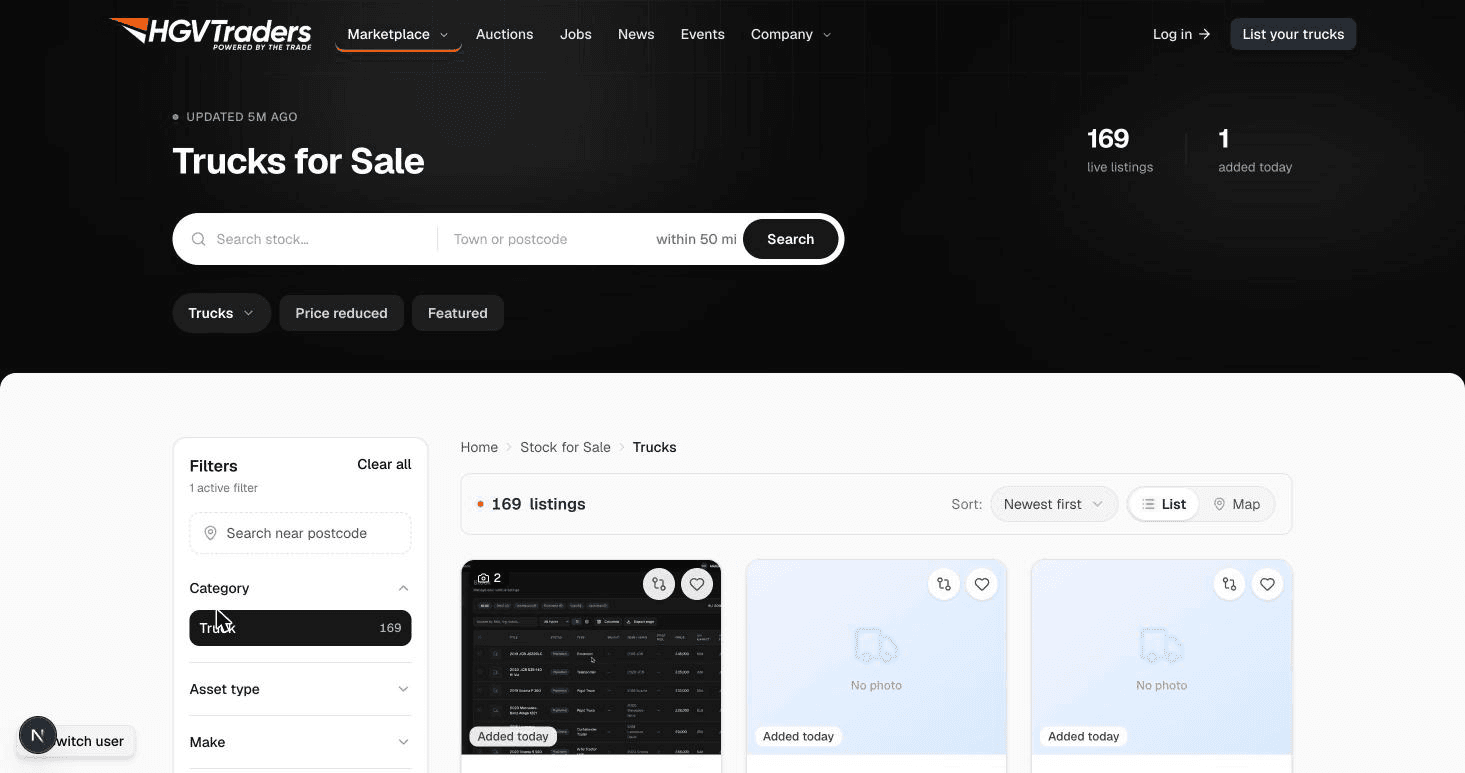
1. Search and filter
Browse Stock and narrow results by asset type, weight, body type, manufacturer, and location. Sort by newest, price, or distance to find what matters to you first.
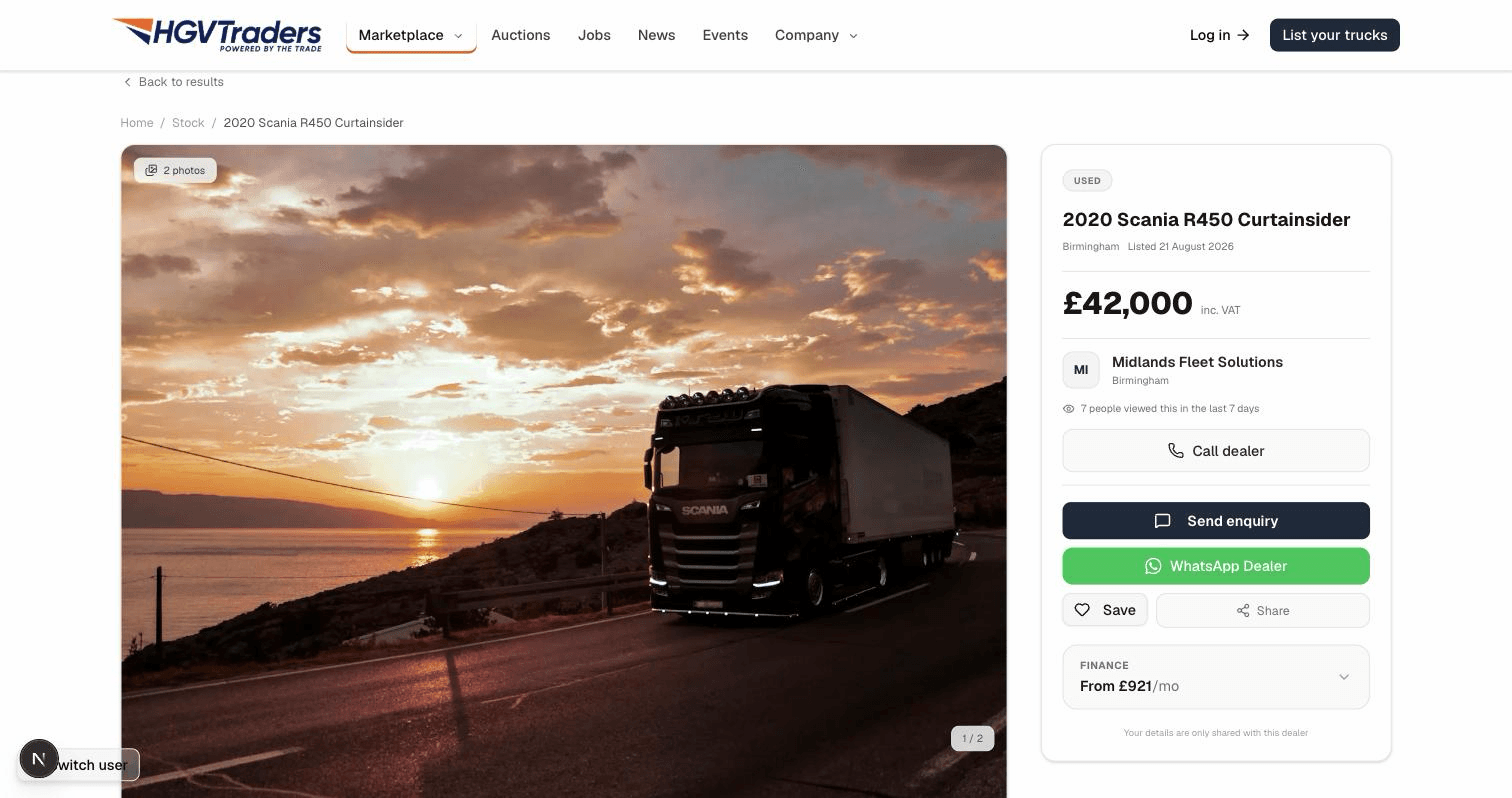
2. Open a listing
Each listing shows full specs, photos, the dealer's location, and — where available — DVLA-verified data, so you know exactly what you're looking at before you get in touch.
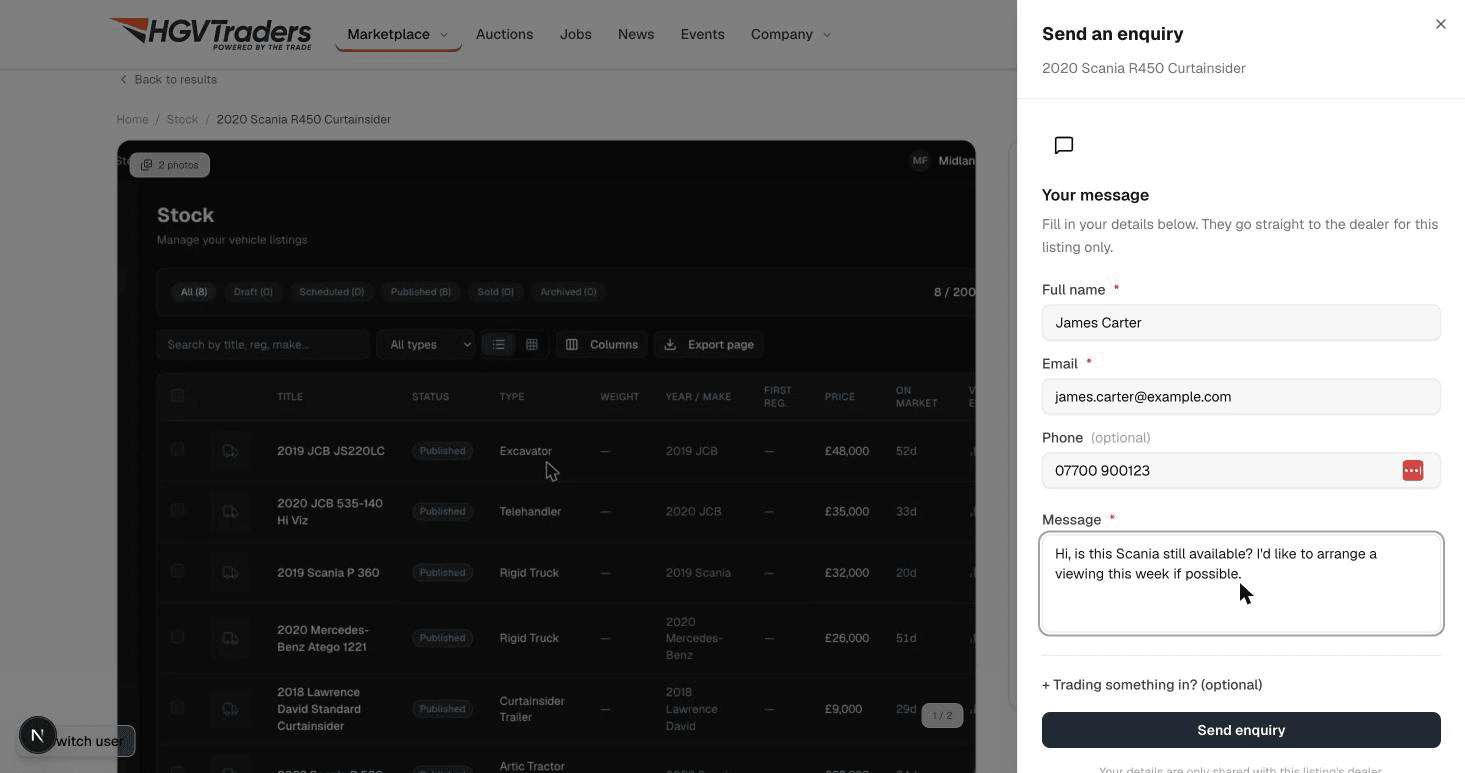
3. Send an enquiry
Use the enquiry form on the listing to message the dealer directly. You'll need a free account to send it — sign up (or log in) right from the form, no need to leave the page.
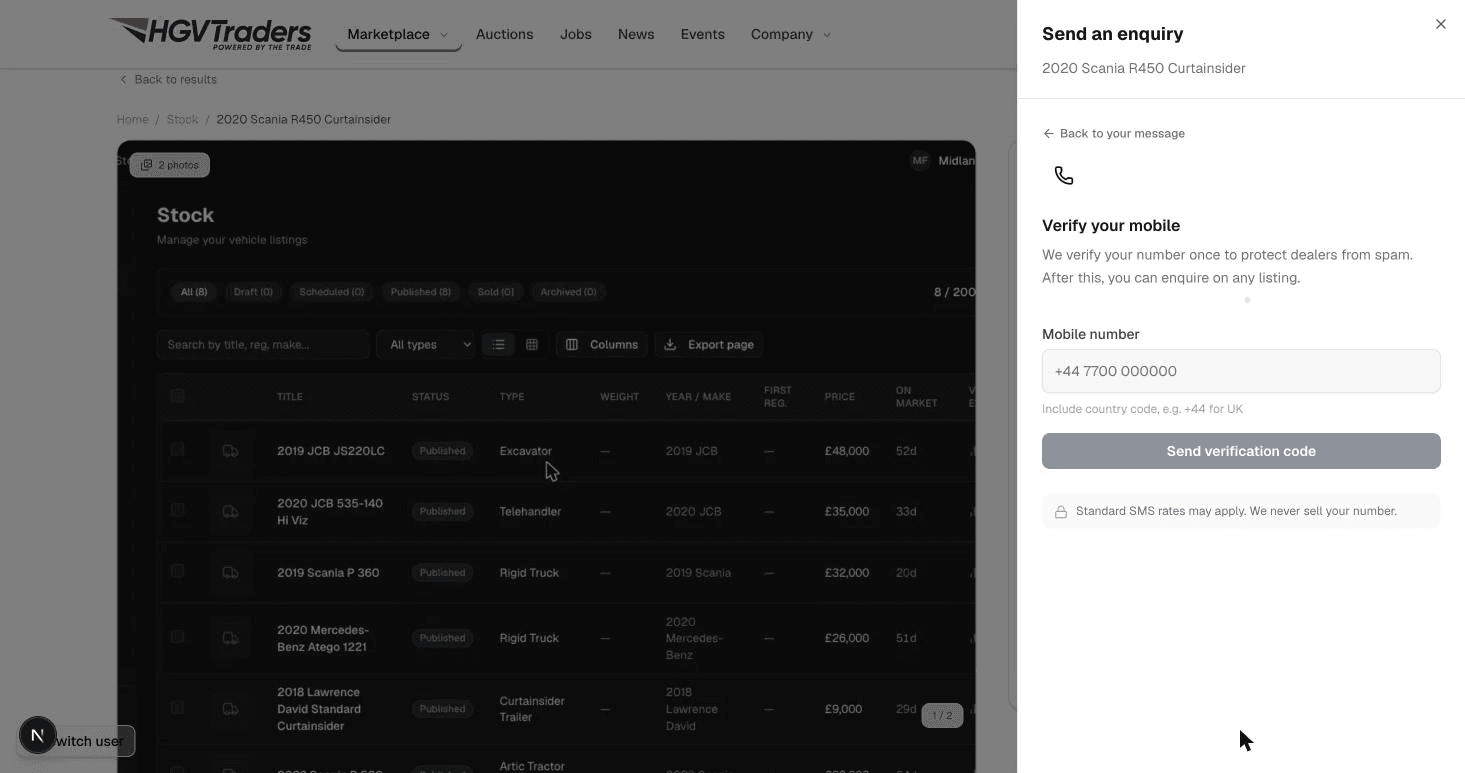
4. Verify your phone
The first time you enquire, we verify your mobile number with a one-time code — this keeps enquiries genuine, so dealers know they're hearing from a real buyer. After that, you can enquire on any listing instantly.